Add label to pages to help user self-filtering

Allow a optional configuration flag which will automatically set (and unset) labels to pages according to their archival states.

This would allow users to create Child Page reports that include those pages which "Need some attention" by simply filtering for that label.

labels could be (for example):

  • "needsReview" - For pages without changes older than expiry but not archived - Label removed when page edited 
  • "archiveRequested" - For pages with the hashtag comments #archive - Label removed when page is fully archived 
  • "rarelyViewed" - For pages that were not viewed for the duration indicated; this label is sticky
Have more questions? Submit a request

4 Comments

  • 0
    Avatar
    Kathryn Reddie

    My users don't have access to the Content Quality nor space tools - nor do I want them to.
    I manually run the archiving job on approval from the senior leadership group of my company, so nothing is archived without me pressing the button to run it manually.
    I'd like to be able to run the 'not viewed' job, and add a label automatically to all pages that have not been viewed for a specific amount of days.
    The label can be anything - preferably 'archive'. That way, the users can review the not viewed pages via the archive label, and just remove the archive label should they want to keep the page in the live space.

  • 0
    Avatar
    Kathryn Reddie

    Adding a label of 'archive' automatically also means that a senior manager can send an email with the label link (etc) for staff to review, requesting the work be done by xx date.

  • 0
    Avatar
    Robynn Powell

    bulk label adding would be helpful to me also. 

  • 0
    Avatar
    Aron Gombas

    UPDATE: We have released the Better Content Archiving app's cloud version just a few weeks ago. It addresses many points criticized in the Data Center version, including also this one.

    (Our plan is that, if there is interest, we will back-port the most valuable changes from the Cloud version to the Data Center one.)

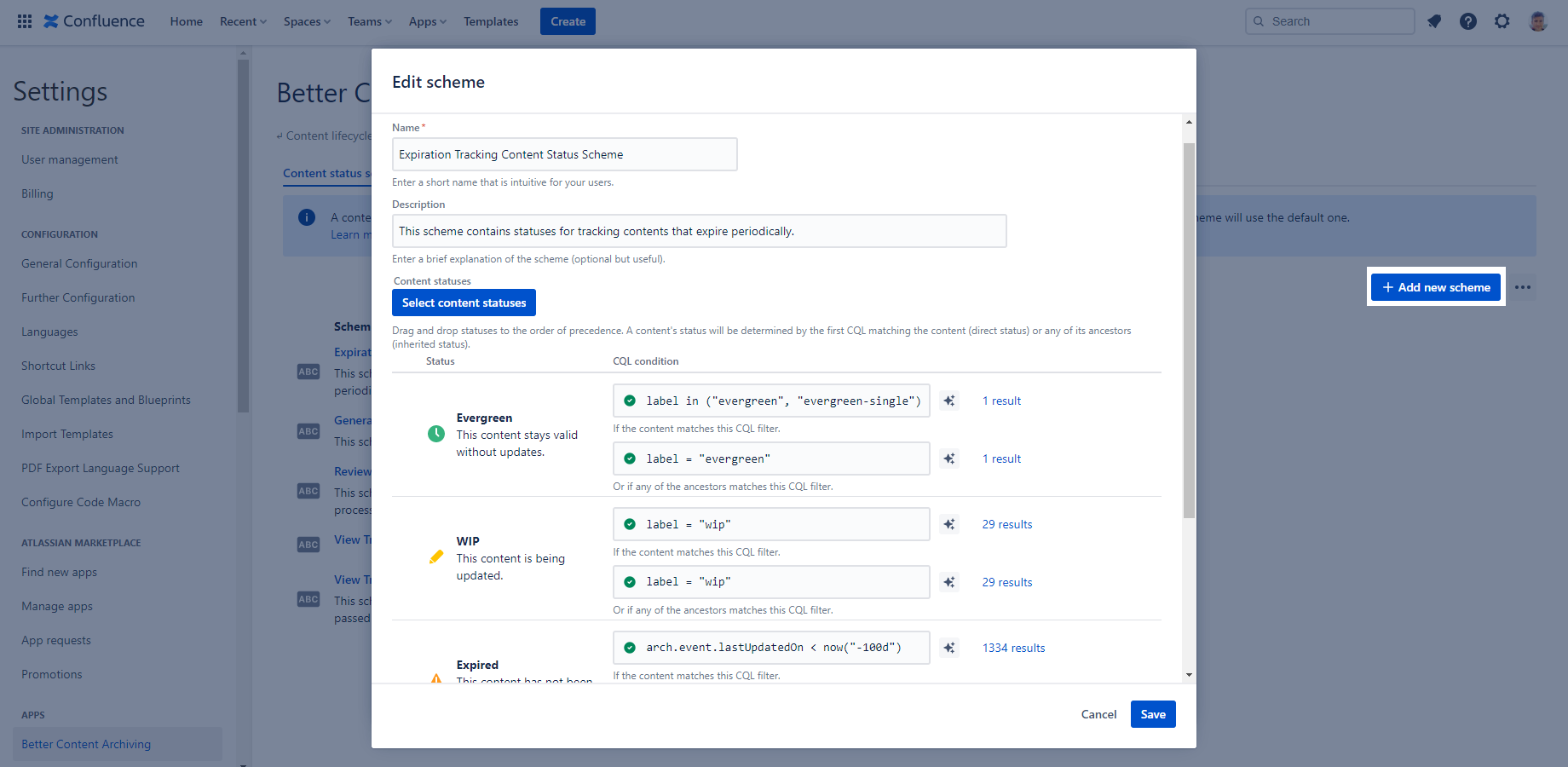
    Statuses in the cloud version are extremely customizable.

    You can approach your problem in at least two ways.

    Approach one

    You can define 3 separate statuses "Needs review", "Archive requested" and "Rarely viewed" (each with its own CQL query that determines which pages are in that status). Then you can:

    1. Either use the Content Status Overview to see the page lists. (Simple.)
    2. Create a dashboard-like Confluence page using the macros that can render page lists from a CQL. Add one macro per status (3 in total) with a CQL that tests for that status, for example:
    arch.status = "Needs review"

    Approach two

    You can define only one status "Needs attention". Then create a dashboard-like Confluence page using the macros that can render page lists from a CQL. Add one macro per page list (3 in total) with a CQL that distinguishes the 3 "sub-status" based on label, for example:

    arch.status = "Needs attention" and label = "needs-review"

    Which approach is better?

    I think approach one is more intuitive and requires less work from users (i.e. can be fully automatically tracked by the app).

    🔥 Try this in action now!

Please sign in to leave a comment.