"Dry run" feature

In a future plugin versions we plan to offer an actual dry run feature.
Although it will not completely replace the staging environment experiments, it will work like this: "show me what would happen if I ran the archiving job with the current settings - but do not actually archive anything!".
Dry runs will significantly reduce the efforts to find the best archiving settings for your content.

http://www.midori-global.com/products/confluence-archiving-plugin/documentation/enterprise-tips-by-linkedin#tip-2

Have more questions? Submit a request

5 Comments

  • 0
    Avatar
    Rick Carini

    This would be a valuable feature for us.

    Thanks!
    Rick

  • 0
    Avatar
    Richard Steele

    It's pretty nerve-wracking with your finger poised over the button to kick off the archiving process now knowing exactly what will be affected...

  • 0
    Avatar
    Saarvaani Vadlamani

    Yes. This feature would be a value-add.

  • 0
    Avatar
    Elisabeth Auburger

    This will help a lot to review what users have marked for archiving and estimate how long the archiving run will take. We've created this functionality by scripting, but have problems to capture pages/areas with access restrictions.

  • 0
    Avatar
    Aron Gombas

    UPDATE: We have released the Better Content Archiving app's cloud version just a few weeks ago. It addresses many points criticized in the Data Center version, including also this one.

    (Our plan is that, if there is interest, we will back-port the most valuable changes from the Cloud version to the Data Center one.)

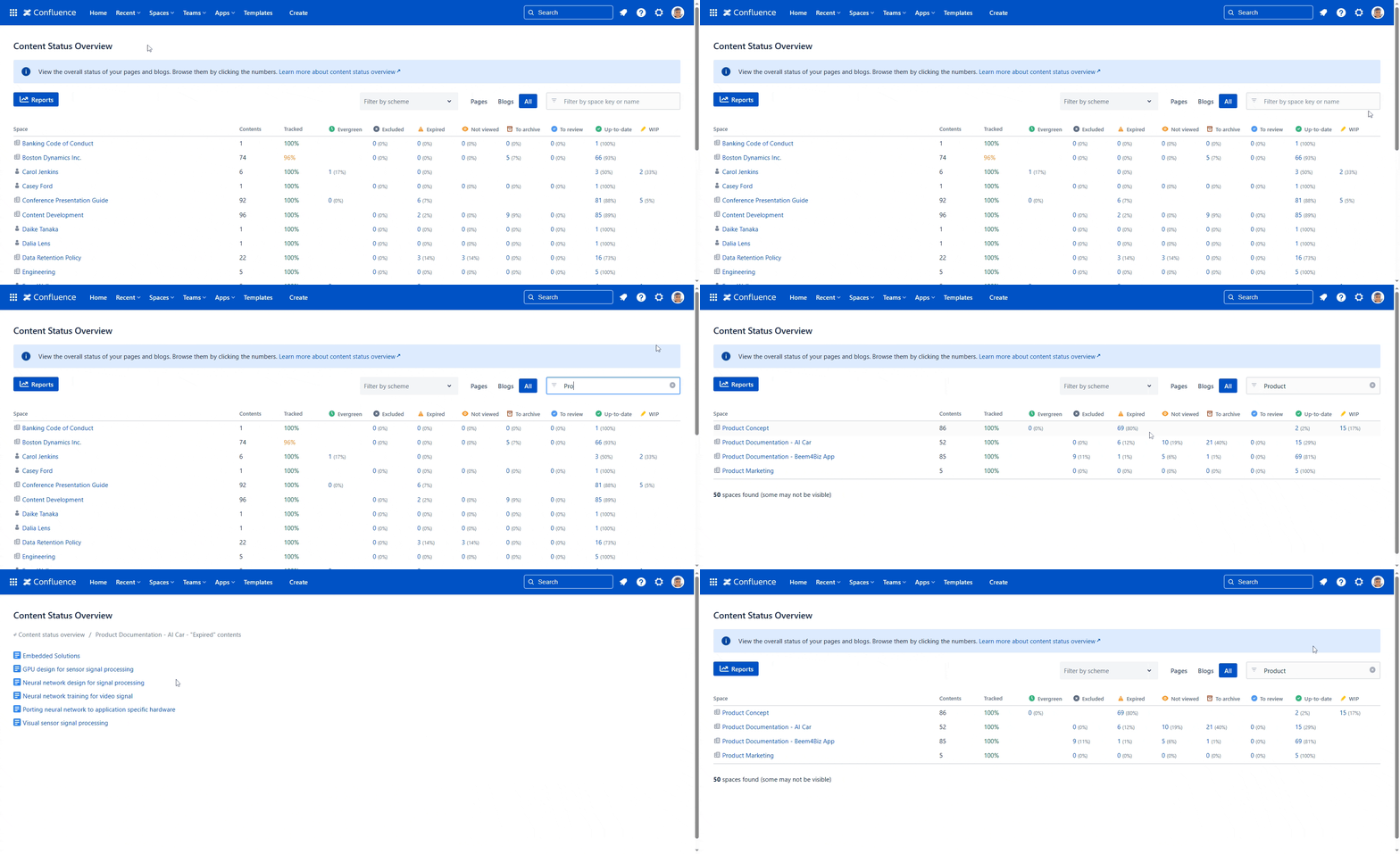
    In the cloud version, the Content Status Overview gives you the count of the pages and blog posts in the "To archive" status. Clicking the number, you can even see the list of those contents:


    That way, you can easily verify "what would be archived if I started the job right now?" any time.

    🔥 Try this in action now!

    Edited by Aron Gombas
Please sign in to leave a comment.